Issue starting User Code Service on SharePoint 2010
Today I started the “User Code Service” of SharePoint 2010 to enable execution of Sandboxed Solutions.
Before activation I’ve created a new domain account for the service (*), created a managed account for the new domain account and changed the service credentials in the Central Administration
(CA => Security => Configure service accounts =>
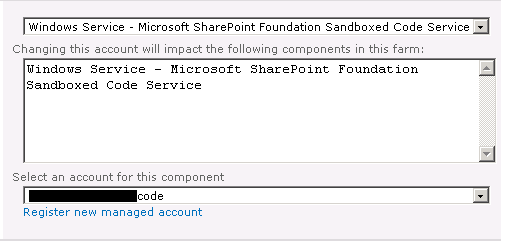 )
)
(*) This is the important step to run into the issue.
After starting the Service on a couple of machines (“Services on Server” page on CA => System Settings) I tried to upload and activate my Sandboxed Solution.
But without success:
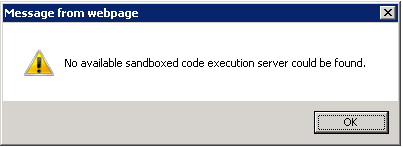
(“No available sandboxed code execution server could be found.”)
The Problem: The corresponding Windows service “SharePoint 2010 User Code Host” A.K.A “SPUserCodeV4” was not running but configured for the right account:

After starting it manually I got this error(s) in the ULS log:
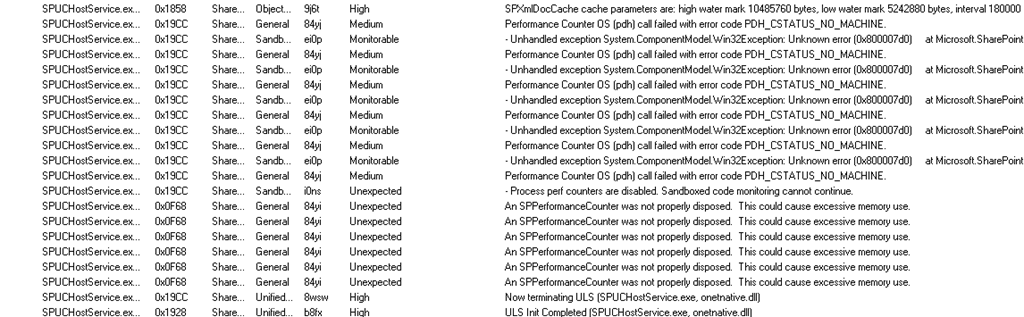
[Some BINGing arround later…]
Solution
http://support.microsoft.com/kb/983081
The *new* user account for the User Code Service has not the corresponding right to access the Performance Counters it needs to do it’s job.