PowerShell Script to Add Account to “Allow Logon Locally” privilege on Local Security Policy
· Ingo Karstein
As you know the SharePoint Farm Account must have privileges to logon locally for getting “User Profile Service Application” to work.
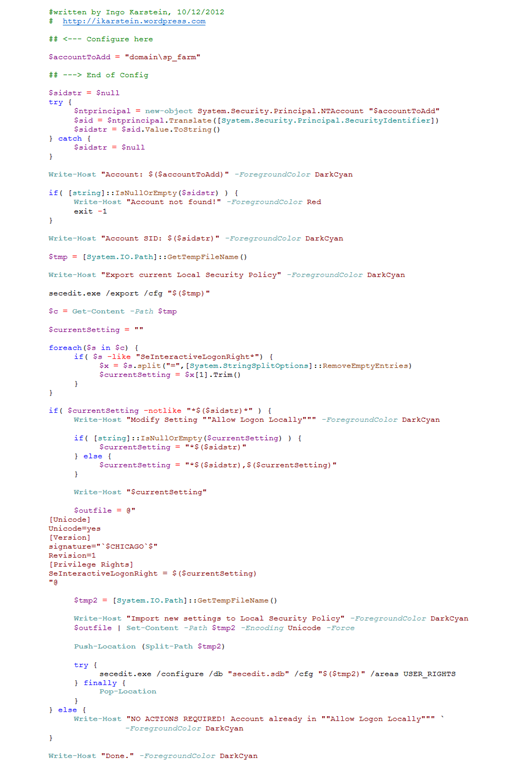
Today I created a PowerShell script that adds the given account to the “Allog Logon Locally” privilege in the Local Security Policy.
1. My account is “DOMAINsp_farm”
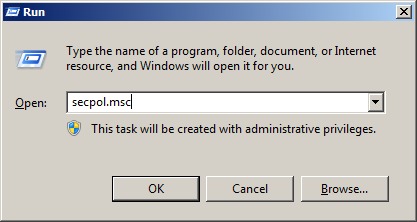
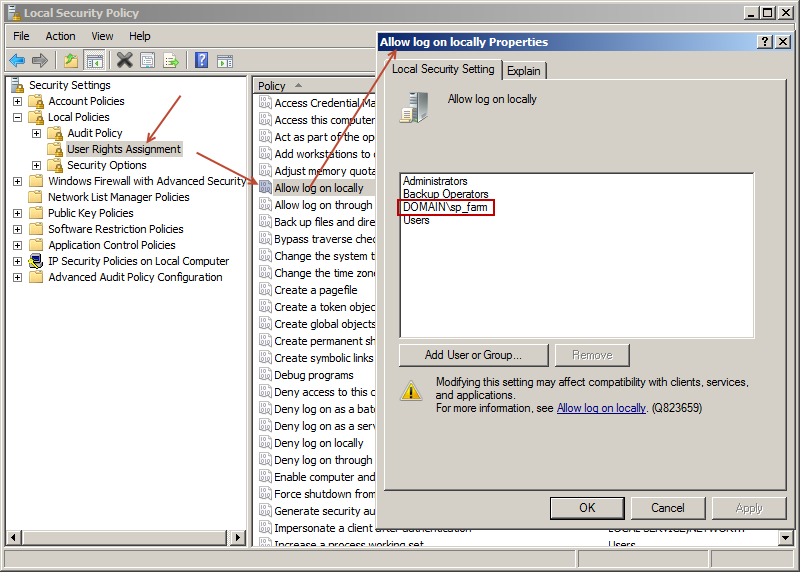
2. I start “secpol.msc” (“Local Security Policy”) on the local farm server
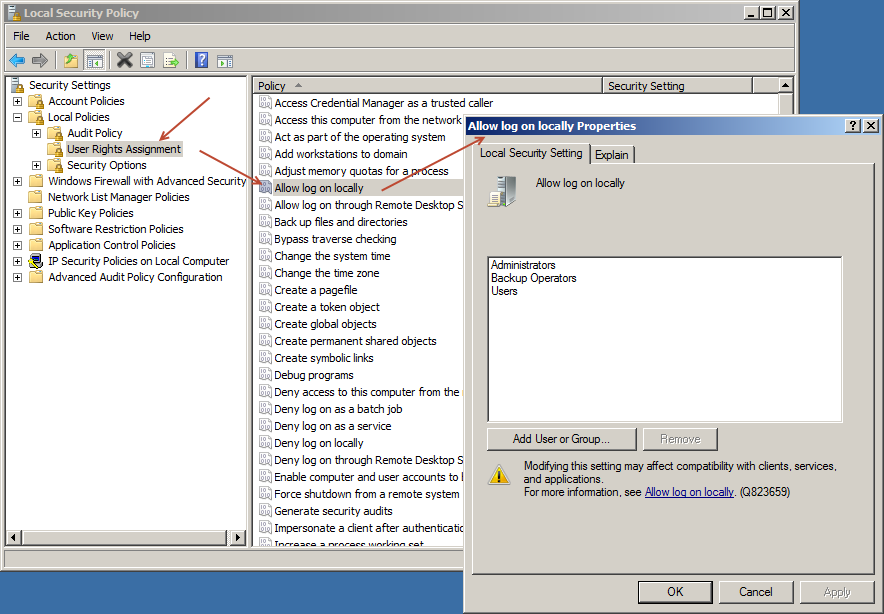
3. I’m looking for “Allow Logon Locally”. The account “sp_farm” is not in this setting.
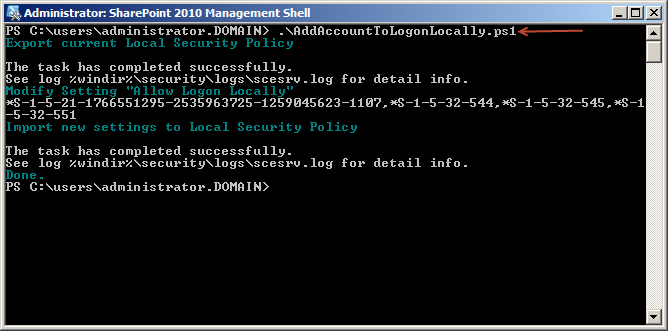
4. I execute the script to add the account.
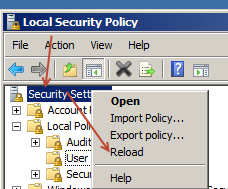
5. Then I reload the “Local Security Policy” or close and reopen the MMC.
6. Now the account in in the setting:
You can download the script here:
http://gallery.technet.microsoft.com/PowerShell-script-to-add-b005e0f6
This is the script:
2 comments
pini Feb 15, 2017
After I ran the script on a local DC it worked but it has changed the entire organization Default domain Conteroller group policy .
Why ?
I was sure it will change only the local specific DC
Claes Jan 19, 2021
Thank you Ingo! This just helped me on a W2012 and a W2016 server to temporary override GPO set rights for local testing purposes before changing same through the AD.
I easily switched your script to another of the SeSomethingSomethingRight's to have it deal with other rights. (Used this list: https://docs.microsoft.com/en-us/windows/win32/secauthz/account-rights-constants?redirectedfrom=MSDN)